DOWNLOAD AND INSTALL THE CLIENT
1
OPTION
LAUNCHER INTERLUDE / CLASSIC
Run the launcher as administrator. You can choose between Classic or Interlude. If you need help, check the installation guide.

Recommended: use the launcher and run it as administrator. It is the simplest way to install and update Ordinary World.
2
OPTION
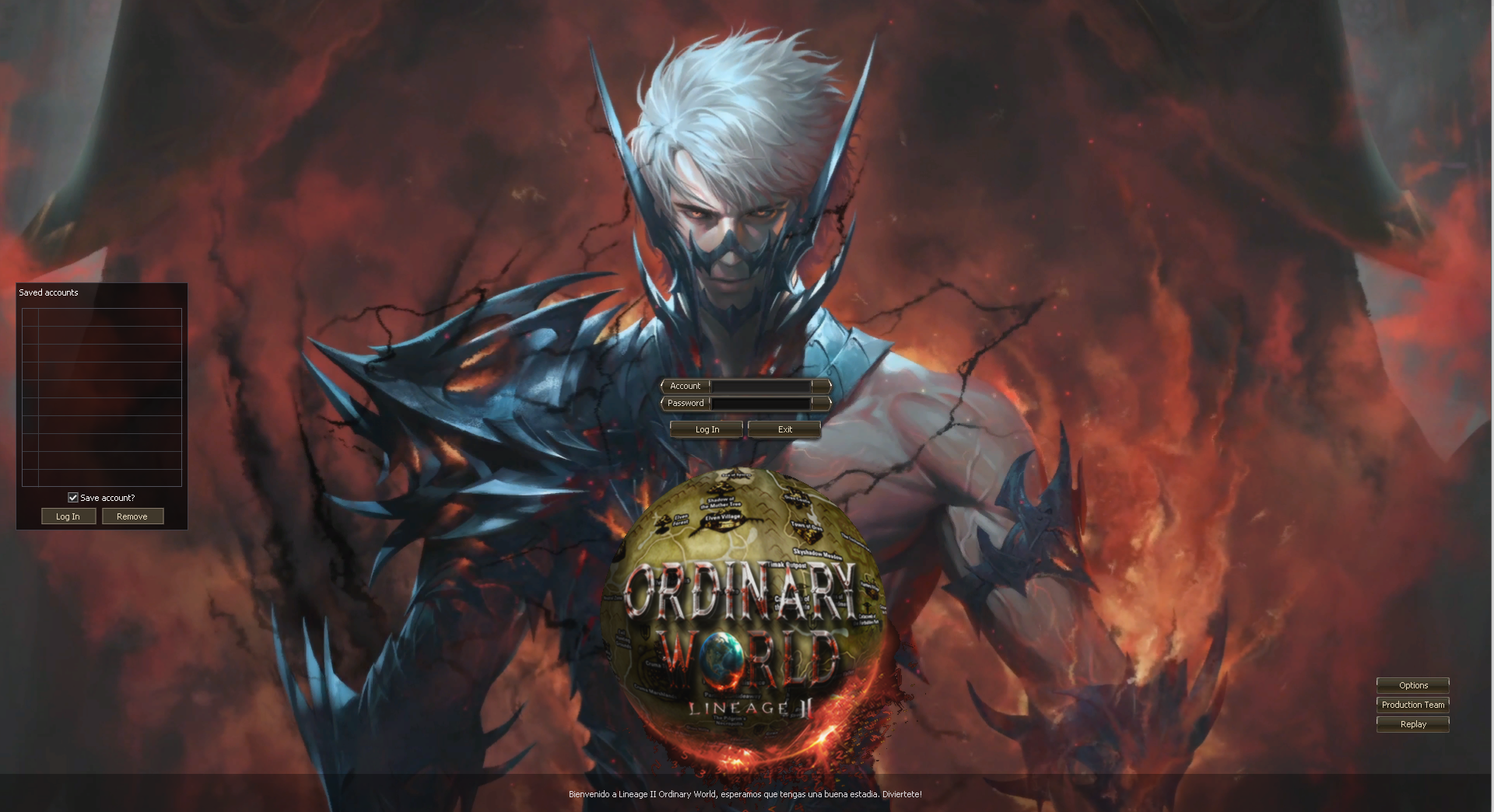
INTERLUDE + PATCH WITHOUT INTERFACE
Interlude client without interface. It does not receive updates; we recommend using the launcher.



Important: you need at least 10GB free. It may not work correctly on Windows 7.
3
Step
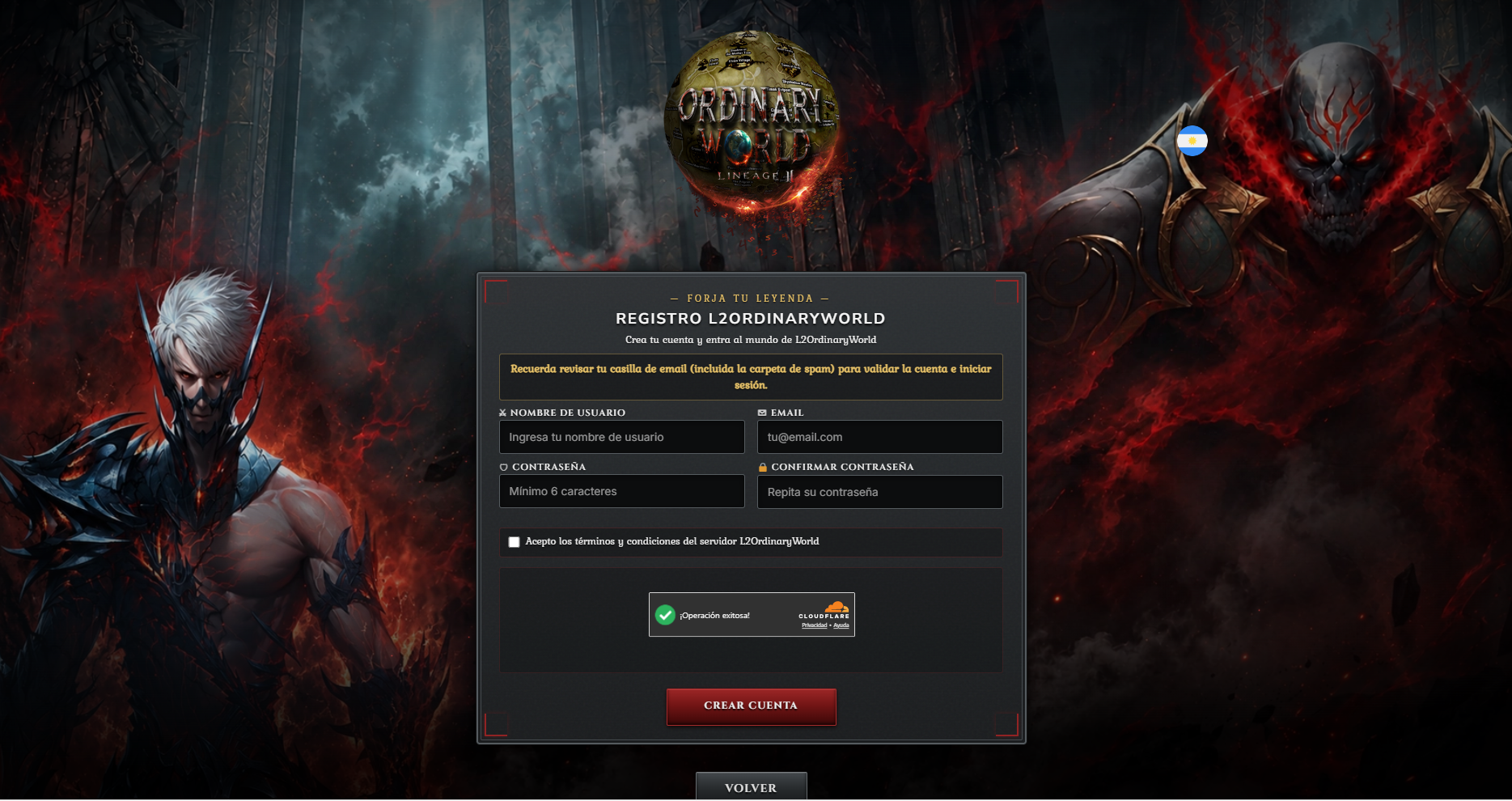
CREATE YOUR ACCOUNT
When you finish the installation, register in the account panel and enter the world. Do not use the same email for multiple accounts.
Create a game account
Done: download, install, create your account and play. If you have any error, contact us on Facebook or Discord.
Need more help? Check the installation guide or write to us on Facebook.
